 Long ChatGPT Conversations
Compare the job, not the feature count
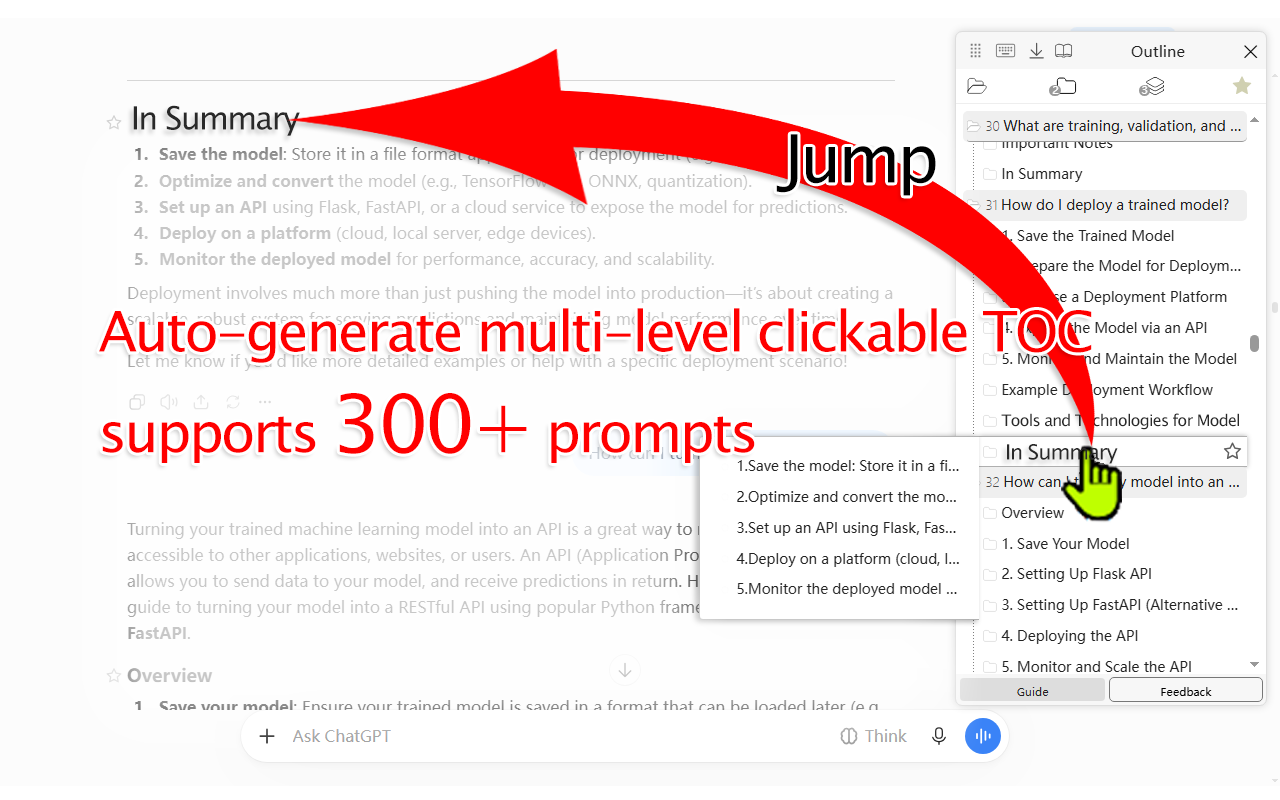
Some tools focus on chat management (folders, prompts, search across conversations). Others focus on navigating a single long conversation. Decide which problem you actually have.
Check whether the free option is real
A free tier that limits the core feature is not very useful. A local-only open-source build is the clearest free option: no account, no backend, no tracking.
Check export and privacy
If you need to archive conversations, look at export formats. If privacy matters, look for local-only storage and readable source code.
| Option | Free option | Open source | Best for |
|---|---|---|---|
| Long ChatGPT Conversations | Yes (open-source edition) | Yes (MIT) | Outlining and navigating long ChatGPT chats |
| Superpower ChatGPT | Freemium | No | Chat management, folders and prompt libraries |
| ChatGPT Toolbox | Paid | No | A broader chat management suite |
| Other outline tools | Varies | Some | Basic outlines; check current features and pricing |
FAQ
What is the best free ChatGPT outline extension?
For a free, no-account option, Long ChatGPT Conversations has an MIT-licensed open-source build with outline, navigation, local bookmarks and PDF/Markdown export.
Is Superpower ChatGPT the same thing?
No. Superpower ChatGPT focuses on folders, prompt libraries and chat management; Long ChatGPT Conversations focuses on outlining and navigating a single long conversation.
Which option is best for privacy?
A local-only, open-source build makes no network requests. Check the source if this matters to you.