 Long ChatGPT Conversations
What a branch actually is
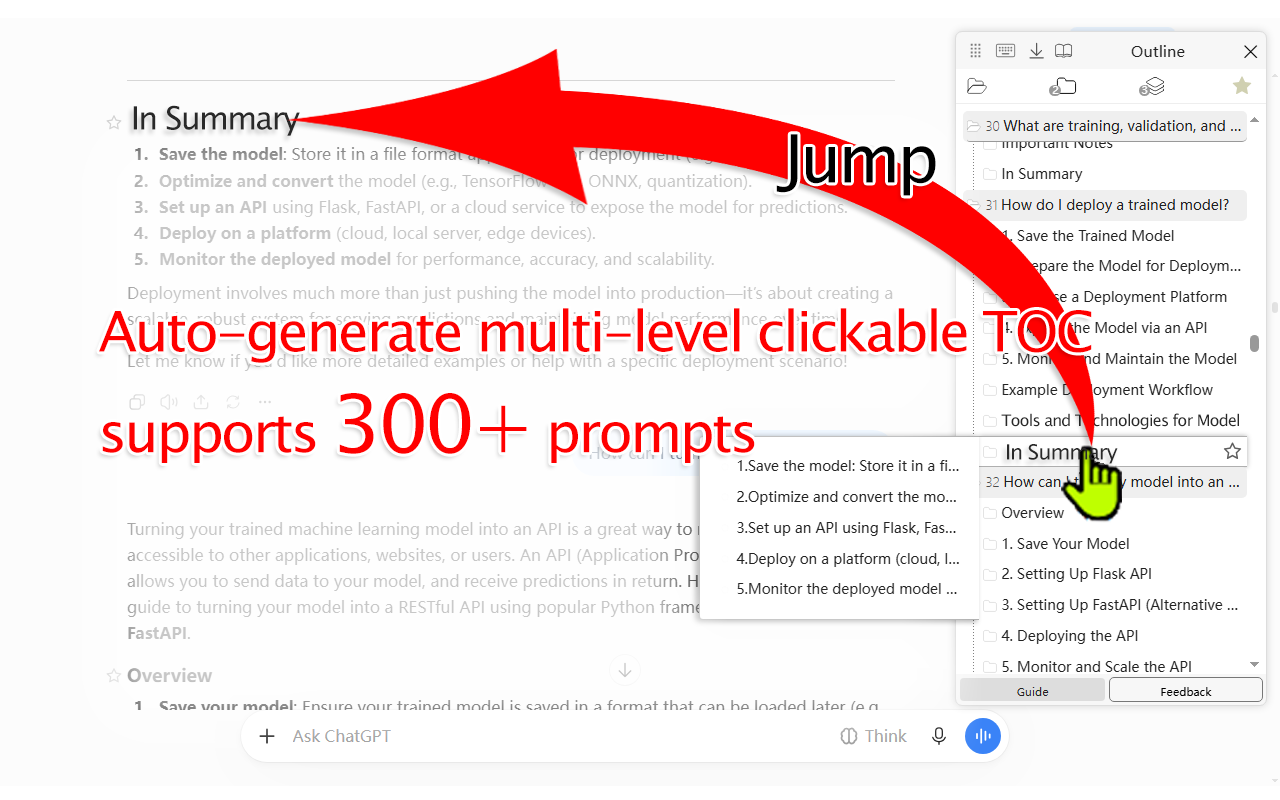
In practice, a ChatGPT branch is a follow-up prompt. Each question is a top-level node, and the headings and lists inside the reply are its children.
Read the tree, not the transcript
A tree view puts every prompt at the same level. You can scan the questions first, then dive into the one that matters, instead of scrolling through every word.
Move between branches without losing your place
Click any node to jump to it. The panel highlights your current section as you scroll, so switching branches does not leave you lost.
Search the structure
Press Ctrl+F inside the outline to filter nodes by text. This is faster than searching the whole page when a thread has many similar answers.
FAQ
How do I see all branches of a ChatGPT conversation?
Open the side panel: each prompt and reply appears as a node, and child headings show the structure inside each answer.
Does a tree view change ChatGPT's own branching?
No. It reads the conversation you already have and displays it as a tree. It does not modify ChatGPT's data.
Can I search inside the tree?
Yes. Press Ctrl+F inside the outline to filter nodes.