 Long ChatGPT Conversations
Why not just print the page
Printing the chat page includes navigation bars, buttons and other interface clutter. Exporting produces a clean document built from the conversation content.
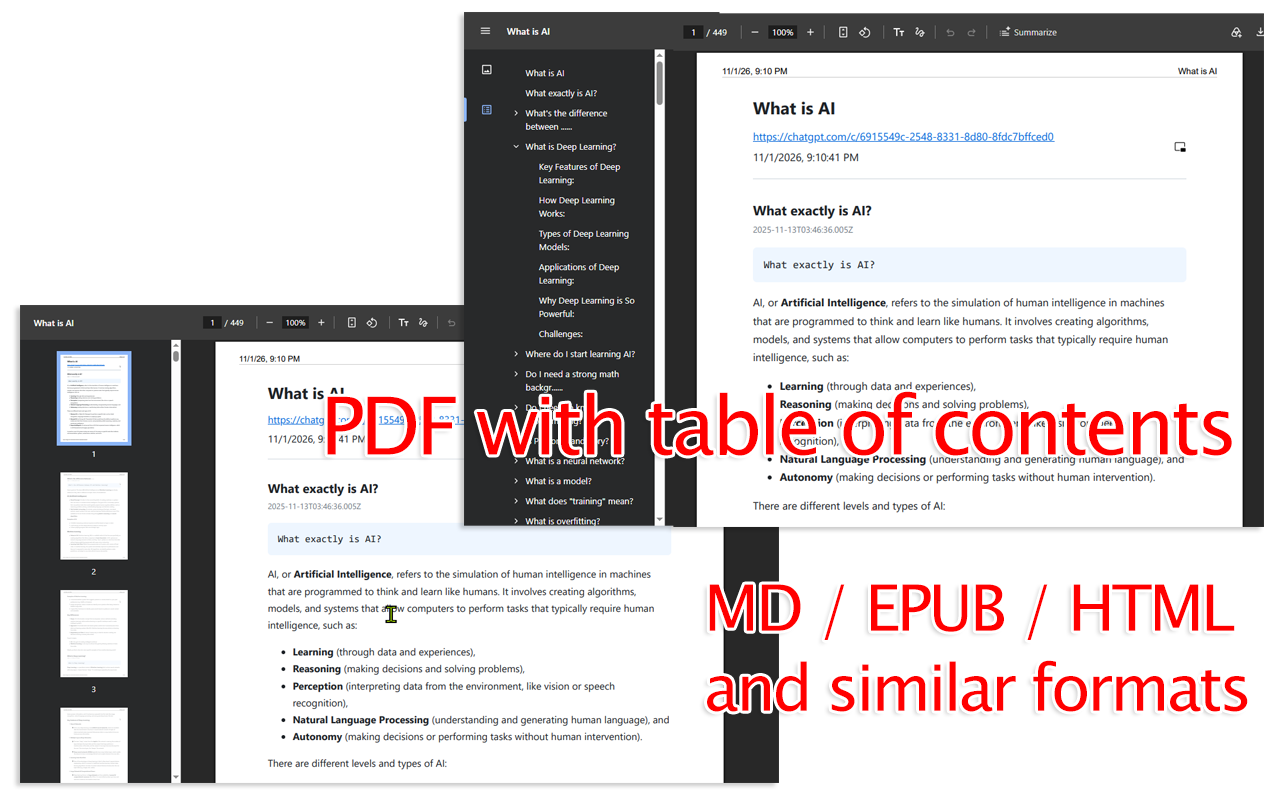
A clickable table of contents
Long exports are hard to use without navigation. The official release generates a PDF with a clickable table of contents, so you can jump to a section inside the file.
Code, tables and formatting
Exporting preserves the structure of the conversation where the format supports it, including tables and code blocks.
How to do it
- Select the turns: Open the export dialog and tick the messages you want in the document.
- Choose PDF: Pick PDF as the output format.
- Save the file: Name the file and save it. The PDF is generated locally by your browser.
FAQ
Can I export ChatGPT to PDF with a table of contents?
Yes. The official release generates a PDF with a clickable table of contents.
Is the PDF generated in the browser?
Yes. PDF export uses your browser's local rendering; the conversation is not uploaded.
Does the PDF include code blocks and tables?
Yes, structure is preserved where possible. Code blocks and tables are kept in the exported document.